If your business operates in multiple cities or service areas, generic "about us" content won't cut it. You need local landing pages — dedicated pages optimized for each geographic location. These pages signal to Google (and patients) that you have a legitimate, relevant presence in that city. This guide explains how to create effective local landing pages that rank.
What Is a Local Landing Page?
A local landing page is a website page focused on a single city or neighborhood. It includes location-unique details: address, phone number (local or tracked), map, testimonials from clients in that area, local landmarks, and links to your Google Business Profile for that location. Examples: /miami, /houston, /orlando/pediatric.
Why Multi-Location Clinics Need Local Landing Pages
- They directly target searches like "clinic in [city]" or "doctor near [neighborhood]".
- They create relevance for that specific location, improving your Google Maps ranking.
- They allow you to showcase local testimonials, community involvement, and local credentials.
- They prevent content cannibalization between different locations under the same domain.
Essential Elements of a High-Ranking Local Landing Page
- Unique, non-duplicated content — at least 500 words that mention local streets, parks, hospitals, or schools. Avoid boilerplate paragraphs across city pages.
- Exact NAP (Name, Address, Phone) — exactly matching your Google Business Profile.
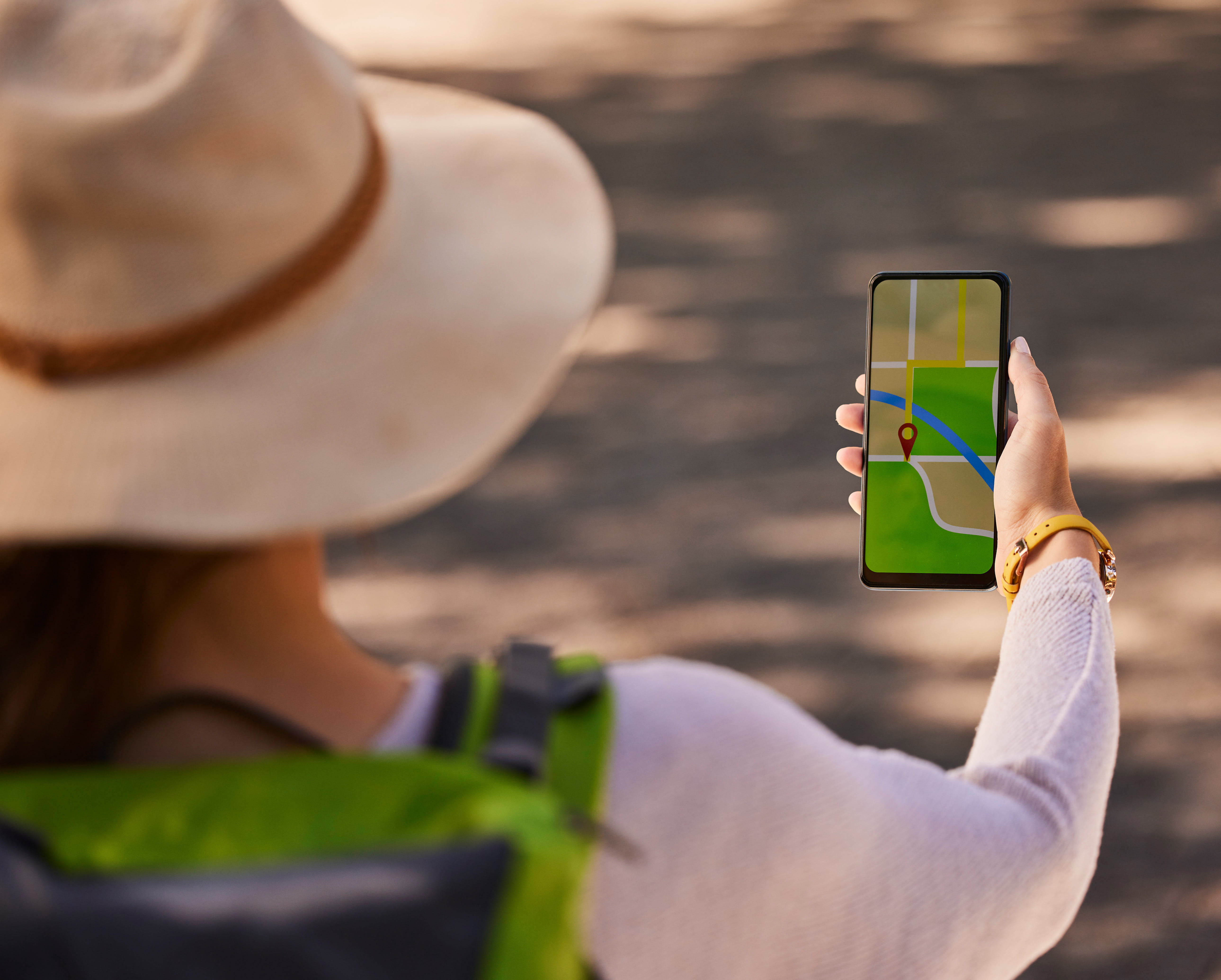
- Embedded Google Map — showing the location pin.
- Local schema markup — using
LocalBusinessorMedicalBusinesswithareaServedpointing to the city/neighborhood. - Local testimonials — from patients residing in that city.
- Unique photos — geotagged images of that specific clinic/exterior/staff.
- Call-to-action — phone number, appointment request button, or link to book online.
Step-by-Step Process to Build Local Landing Pages at Scale
- Audit existing locations: identify all cities/neighborhoods where you have a physical clinic or a service area.
- Create a page template: build a modular design with placeholder content (city name, address, local references).
- Write unique content per city: use local staff interviews, nearby landmarks, and local patient stories. Avoid spintext.
- Set up a clear URL structure: example:
clinics.com/miami/,clinics.com/houston/. - Interlink them: on each page, link to other nearby location pages (e.g., "Also serving Kendall and Hialeah").
- Add internal links from your homepage and service menus.
Common Mistakes to Avoid
- Duplicate content across locations: Google may index only one version or penalize you.
- Missing NAP or inconsistent NAP: even a small difference kills ranking potential.
- No unique local information: if you only change the city name, the page is useless.
- Hiding the page from navigation: local landing pages should be accessible from the main menu or a location dropdown.
Measuring Performance
Track each local landing page's organic traffic, click-through rate, impressions for city-specific keywords, and conversions (calls, appointments). Use Google Search Console's performance report filtered by page URL.
What Multi-Location Practices Typically Notice
Practices that replace generic city mentions with genuinely unique local landing pages — complete with embedded maps, local testimonials, and consistent NAP — tend to see organic traffic to those specific pages climb within a few months, as Google starts trusting each page as a distinct, relevant local result. We don't publish specific traffic or call percentages without a named, verifiable client behind them — see our success stories page for documented results as they become available.
Conclusion
Local landing pages are non-negotiable for multi-location businesses. They deliver targeted traffic, build local relevance, and directly support your Google Business Profile rankings.
Ready to build your location pages?
Contact us for a custom local landing page audit.
Request free audit →