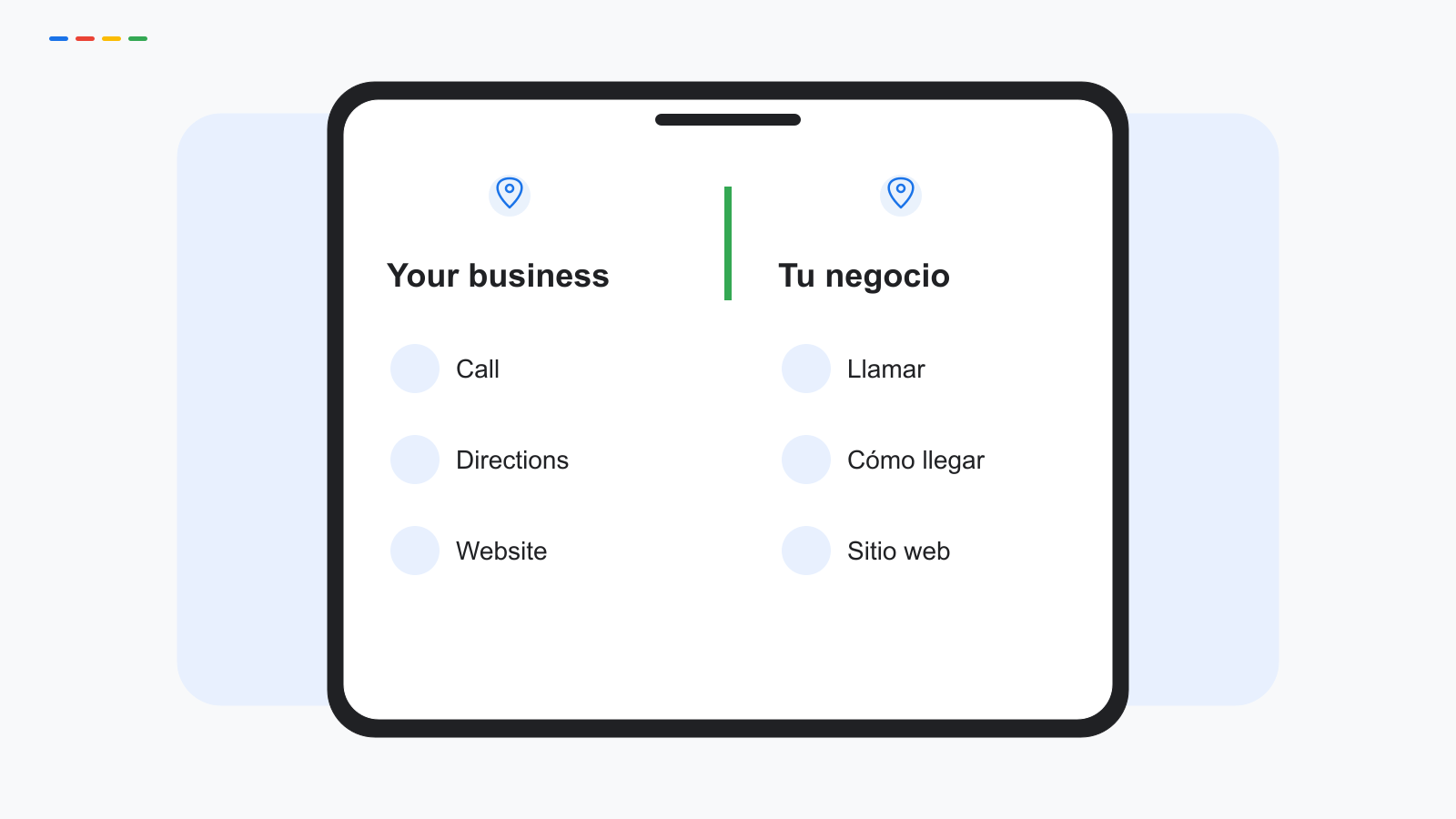
Bilingual SEO starts with accurate information in both languages and a contact process that can support it. For a Miami business, that means keeping one real business identity, writing useful English and Spanish copy in the fields available to you, and linking to website pages that agree. It does not mean creating separate English and Spanish profiles for the same business or assuming every field has a language selector. Start with the actual editor, then check the public result.
At Google My Business Space, our bilingual work connects the profile to the customer's next step. A Spanish description is useful only if the call, form or page that follows is understandable too.
Why one language is not always enough
Someone may describe a problem in Spanish, search again in English, then choose whichever contact route feels clearest. Example phrases such as plumber in Doral and plomero en Doral illustrate the task; they are not measured query-volume findings.
Do not assume a person's preferred language from their name, neighborhood or background. Offer a clear choice on your website and listen to the preference they state. Bilingual service should expand understanding without turning identity into a marketing shortcut.
Start by listing the questions people need answered before calling: what you do, where you operate, when you are available and how the first step works. Translate those answers before spending time on decorative slogans.
Our broader discussion of Hispanic audiences provides context: our guide to Hispanic SEO in the United States. Language support and Hispanic identity are related planning topics, but they should not be treated as interchangeable categories.
What Google lets you localize, and what it does not
Inspect the fields your profile actually offers. Google's documentation describes editing business details, services, posts, attributes and replies, but that does not establish a universal pair of English and Spanish entries for each field. Do not present a conceptual bilingual layout as an interface screenshot.
Where an editable free-text field permits it, you can draft concise bilingual wording and check the result against its limits and policies. A description is one field with a current character limit, not two unlimited pages. If both versions will not fit clearly, prioritize essential information and put fuller language-specific explanations on your site.
Some labels or content may appear differently to viewers because of Google's localization or translation. That is different from an owner maintaining two independent versions. Check the public profile in each language context available to you, and verify the original wording in the editor.
Before changing the actual business profile, confirm its current fields, limits and public display. The hero graphic in this article is a conceptual illustration of the communication goal, not a promise that Google's editor offers a split-language screen.
Business name, categories and attributes: keep them consistent
Keep the real-world business name. Do not append Spanish keywords or invent a translated name merely to target another query. Google's representation guidelines govern identity and categories; write language explanations in the appropriate descriptive fields.
Categories identify the kind of business, not the language of its customers. Select the available categories that describe the operation. Use website and contact copy to explain English and Spanish support without adding a category that does not fit.
Keep factual attributes consistent with the real business. If Spanish calls are handled only at certain times, your website should explain that limitation. Do not describe continuous bilingual availability when the staff cannot provide it.
Review the name, address and phone across both website versions. NAP means name, address and phone: these facts should identify the same business even when surrounding instructions differ. Our guide covers the cleanup process: our NAP consistency guide.
Description, services and posts in both languages
Write the English version from facts first. Then have a fluent reviewer create the Spanish version with the same meaning and a natural tone. Compare the promises line by line: service area, scope, availability and next step should agree.
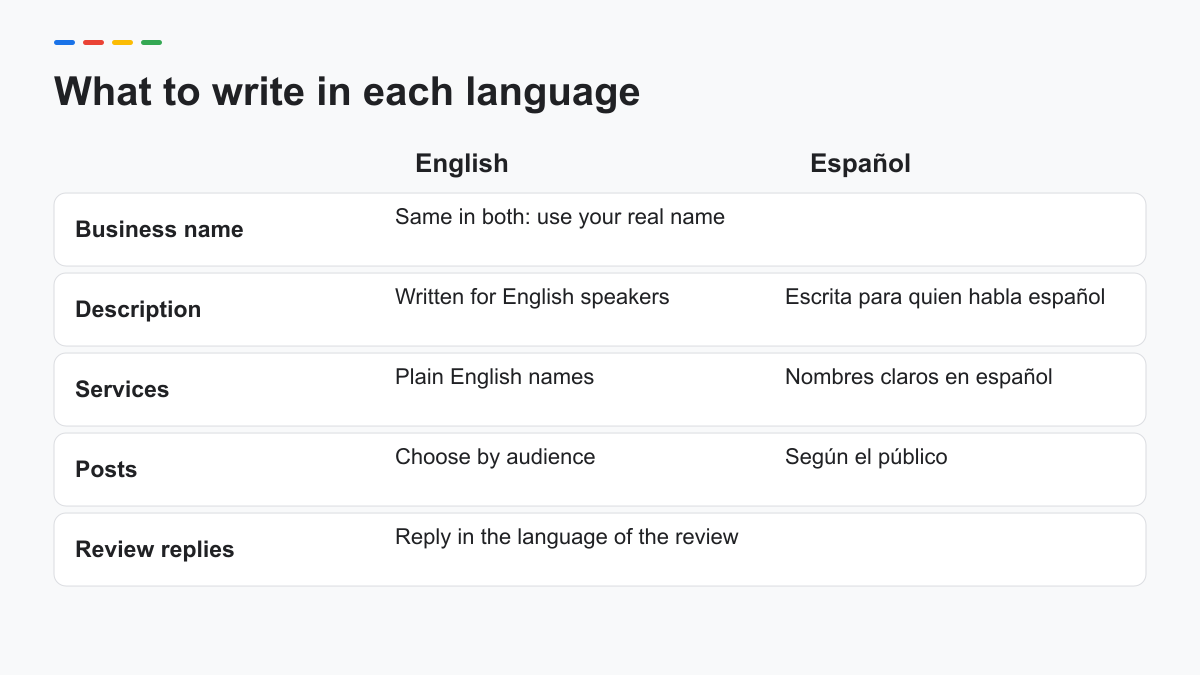
| Field | English treatment | Spanish treatment | Consistency rule |
|---|---|---|---|
| Business name | Real-world name | Same real-world name | Do not add language keywords |
| Description | Clear service and contact explanation | Natural equivalent within available space | Same scope and operating facts |
| Services | Plain service names | Clear equivalents where supported | Do not imply additional services |
| Posts | Write for the intended audience | Write for the intended audience | Same factual offer or event details |
| Review replies | Use when appropriate to the review | Use when appropriate to the review | Read before publishing; do not auto-copy blindly |
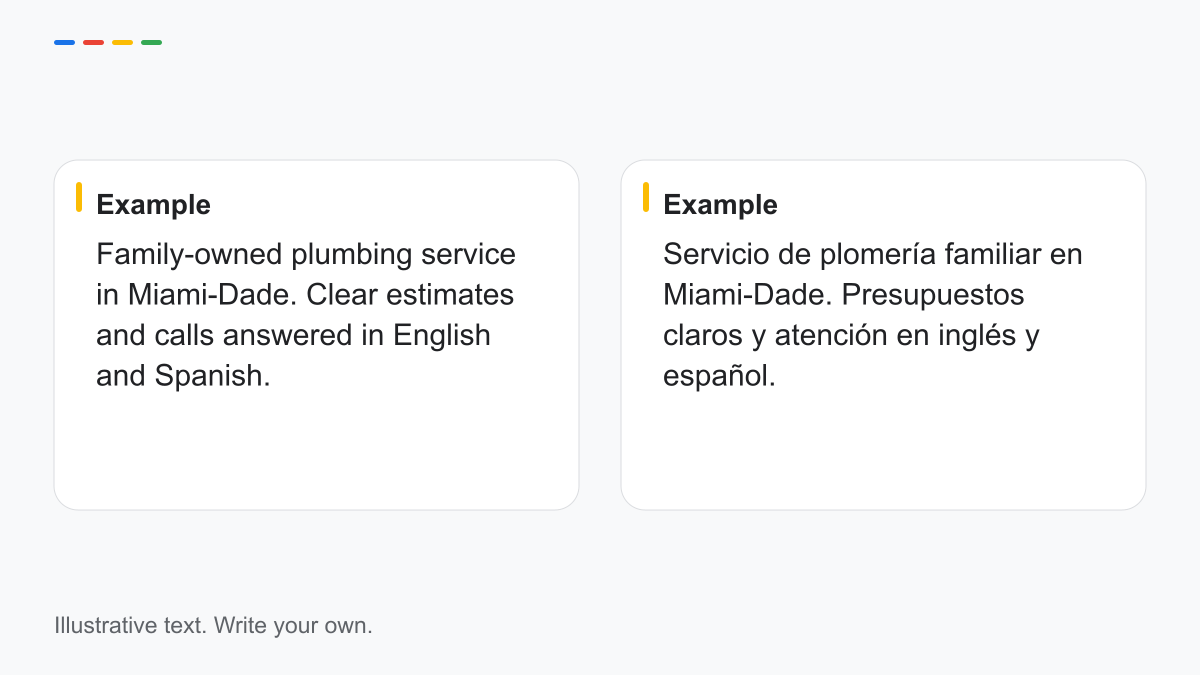
Example — English description
Family-owned plumbing service in Miami-Dade. Clear estimates and calls answered in English and Spanish.
Example — Spanish description
Servicio de plomería familiar en Miami-Dade. Presupuestos claros y atención en inglés y español.
This example is illustrative, not a description of an actual client. Use it only if the facts are true for your business. The two versions together are deliberately short so the point is clarity rather than keyword repetition.
For services, review terminology with the person answering calls. A regional term may be natural to one audience but unfamiliar to another. A brief explanation can be better than repeating several synonyms.
For posts, choose the audience and action before deciding whether both languages belong in the same update. If a bilingual post becomes hard to read, use a clear language-specific destination where supported. Keep event details and offer conditions consistent, and do not claim that a posting schedule alone improves ranking.
Replying to reviews in the customer's language
Read the review before choosing the reply. Use its language when your team can respond accurately. For a mixed-language review, choose the version that best addresses the concern; a short paired reply can help when it remains readable.
Example — English general acknowledgement
Thank you for sharing your feedback. Please contact us at [phone] if you would like to discuss a concern privately.
Example — Spanish general acknowledgement
Gracias por compartir su opinión. Si desea hablar de alguna inquietud en privado, comuníquese con nosotros al [teléfono].
Do not translate a reply and publish it without reading the result. Check formality, the phone number and whether it promises something the business has not approved. Match usted language consistently in Spanish unless the business has deliberately chosen another voice.
Medical and legal businesses need stricter professional review. A reply should not confirm a patient or client relationship or add private details. Language accuracy does not resolve privacy or confidentiality questions.
Assign complicated reviews to a person who can review the underlying concern through an appropriate private process. Replying quickly is an operational preference; we do not present a response deadline as a confirmed ranking factor.
Attributes such as "Identifies as Latino-owned": when they apply
Google's current business-attribute help lists Latino-owned among identity attributes. It also says some attributes depend on country, location or category and that names can change. This confirms the documented option, not its availability in every account.
Select it only if it is true and the owner wants to share that identity publicly. A business serving Spanish-speaking customers is not necessarily Latino-owned, and a Latino-owned business does not necessarily provide Spanish-language service.
Check the actual editor and record the owner's choice. If the option is missing, do not change the business category to obtain it or invent a substitute claim. Use accurate descriptive wording where appropriate and consult official support for the account-specific question.
Treat identity attributes as information for customers. Do not promise that selecting one produces a particular ranking position or volume of calls. The same caution applies to any language, accessibility or service attribute.
Website pages and links that support both languages
Give each substantive language version a stable page URL and a visible switch to its equivalent. The Spanish service page should lead to the corresponding English service page, not always the English home page. If no equivalent exists, do not pretend the pages match.
Google Search Central's localized-page documentation explains hreflang annotations for equivalent language or regional versions. Have the site implement and validate them for the actual URLs. Hreflang helps describe alternatives; it is not a substitute for accurate translation or a promise of ranking gains.
Check the parts that are easiest to overlook: navigation, button labels, forms, error messages and confirmation screens. A Spanish service page leading to an unexplained English-only form leaves the task half done.
Decide who maintains both versions when business facts change. Keep a paired update list for hours, service scope and contact links. If one page is outdated, correct it before treating the bilingual update as complete.
Use the full profile guide for general setup tasks: our Google Business Profile guide. For coordinated bilingual work with Miami businesses, see our Miami local SEO page.
Frequently asked questions
Can one profile be written in two languages?
You can use bilingual wording in appropriate editable fields where it fits the current limits and policies. Do not assume each field has separate language versions; check your editor and the public display.
Should I translate my business name?
Use the real-world name represented by your business, rather than inventing a translation for search. Explain language support through the appropriate descriptive fields and website pages.
Which language should I reply in?
Usually the language of the review is the clearest choice. Have a fluent person review the reply and apply any additional privacy or professional approval your industry requires.
Sources
- Google — Business representation: support.google.com/business/answer/3038177
- Google — Edit profile: support.google.com/business/answer/3039617
- Google — Manage services: support.google.com/business/answer/9455399
- Google — Attributes, including Latino-owned: support.google.com/business/answer/9049526
- Google — Manage reviews: support.google.com/business/answer/3474050
- Google Search Central — Localized page versions: developers.google.com/search/docs/specialty/international/localized-versions
Sources checked October 12, 2026. Account-specific fields remain subject to verification.
Want a second look at your profile?
We review public English and Spanish wording, identity consistency and the next contact step, then respond in one business day. Send only your public Google Maps link; no account access is needed. Our team works remotely in English and Spanish.
Request free audit →