Local SEO for contractors starts with an honest account of how your business works: where you operate, which jobs you accept, and how customers contact you. For a Miami plumber, A/C technician, roofer, electrician or pool-service company, a useful Google Business Profile connects those details to a website that answers the next question. Start with the address model and primary category. Then check your service area, photos and review process before adding more content.
The goal is to make the right job easier to book. A profile that attracts calls for services you do not provide creates work for your dispatcher without helping the business.
Storefront or service-area business: which one are you?
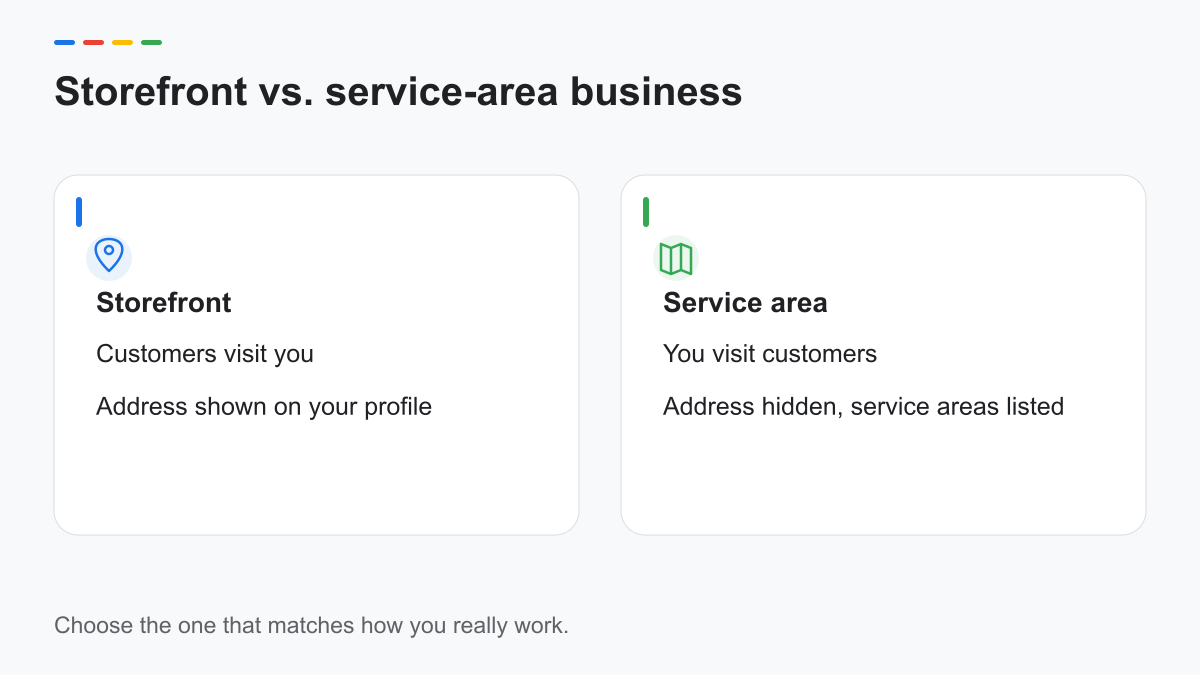
Ask whether customers actually come to your business address. A warehouse where you store equipment is not automatically a customer-facing storefront. Neither is your home address simply because it appears on your business registration.
Google distinguishes businesses that receive customers at a location from those that visit customers. Its service-area guidance says to remove the public address when you do not serve customers there. A hybrid business does both and must meet the requirements for showing its location. See the Google service-area source below.
| Business model | Customer interaction | Public address | Practical check |
|---|---|---|---|
| Storefront | Customers visit your location | Shown when eligible | Can a customer find your staffed, signed premises? |
| Service-area business | You visit customers | Hidden | Does your profile describe where you actually work? |
| Hybrid | Customers visit and you travel to jobs | Shown when eligible | Does each side reflect a real operation? |
Write down the answer before changing the profile. If you inherited a listing from an agency, compare its setup with the current operation rather than assuming it is correct. Keep supporting business records privately; hiding an address does not remove the need to give Google accurate verification information.
Choosing categories and services that match how customers search
Choose the primary category that describes the core business, not the broadest market you would like to enter. A plumbing company should start by checking the available plumbing category, while a pool-maintenance company should check categories for its actual work. The choices in the editor can change; select from what Google offers.
Then use the services editor to explain the jobs you accept. Google documents predefined and custom services, with descriptions and prices where supported. Describe drain cleaning, pool maintenance or A/C repair in terms a homeowner understands. Avoid listing services that require equipment or qualifications you do not have.
Ask the person answering calls to review the list. They know which requests require a referral and which descriptions confuse customers. For a bilingual team, agree on the same service boundaries in English and Spanish. Translation should preserve meaning, including what is excluded.
Example — English business description
Family-owned plumbing service serving homes in Doral and Hialeah. We handle leak repairs and drain cleaning, explain estimates before work begins, and answer calls in English and Spanish.
Example — Spanish business description
Servicio de plomería familiar para hogares en Doral y Hialeah. Reparamos fugas y limpiamos desagües, explicamos el presupuesto antes de comenzar y atendemos llamadas en inglés y español.
These are illustrative descriptions, not a client story. Replace every service, area and operating claim with your own facts. Keep promotions and links out of the description; use the appropriate website and service fields instead.
Service areas Google can understand
Start with your dispatch map. Which cities can your crew reach reliably, and which jobs justify a longer trip? A company that routinely works in Doral and Hialeah should not describe itself as serving every part of South Florida just to appear larger.
Google currently allows up to 20 service areas entered as cities, postal codes or other supported areas, rather than a radius. That is a platform limit, not a recommendation to fill every slot. Its guidance also says the overall area should generally stay within about two hours of driving from your base. Source: Google service-area help, checked October 12, 2026.
Keep the public promise narrower if traffic, crew availability or job type requires it. Tell callers when an address is outside your normal route before arranging an estimate. Your website can explain these practical limits without claiming that a service-area setting guarantees visibility in each city.
Photos that help customers decide
Plan photos around the questions customers ask before letting a crew into their home. Show completed work, the people who arrive, and equipment relevant to your services. A recognizable work vehicle helps customers understand who is coming; a generic stock truck does not show your operation.
For before-and-after photos, explain what changed without implying that every job will have the same outcome. Ask permission before photographing a customer's property. Remove visible house numbers, documents and identifying details when they are unnecessary. Confirm that the photographer has authorized your intended use.
Create a small shared folder organized by job type, with an approval note for each usable photo. Give one team member responsibility for selecting images. This reduces the chance that an unapproved photo leaves a technician's phone and becomes public.
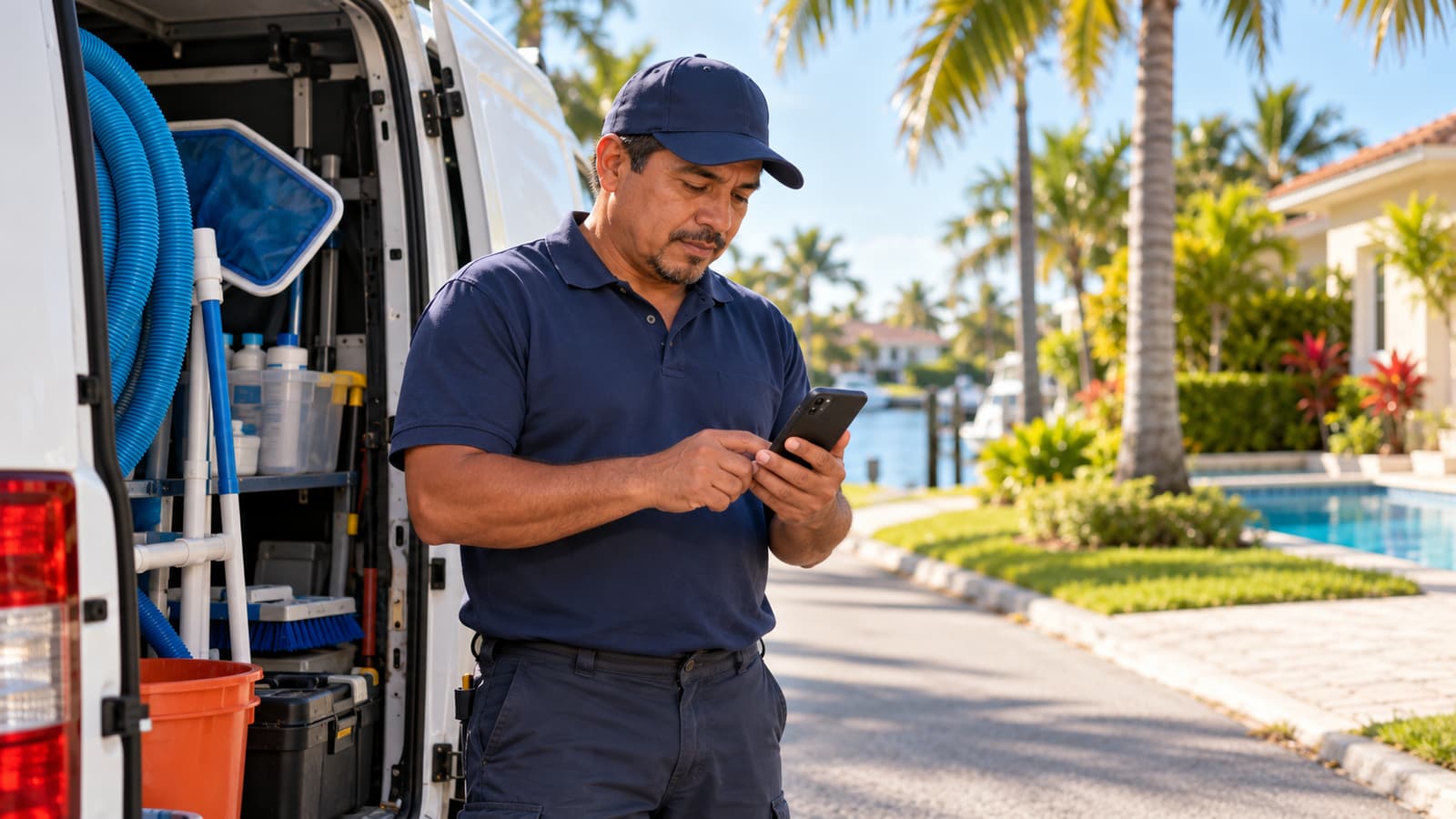
The photos generated for this article are editorial illustrations. Do not upload them as proof of your own team, vehicle or completed jobs. Your Business Profile should show the actual business.
Reviews from jobs: asking after the work, in the customer's language
Make the request part of closing the job, rather than a favor reserved for happy customers. Explain that an honest review is welcome, give the review link, and let the customer decide whether to respond. Google's Maps policy prohibits incentives and selective solicitation of positive feedback.
Example — English request
Thank you for choosing our team. If you would like to share your experience, you can leave an honest review here: [review link].
Example — Spanish request
Gracias por elegir a nuestro equipo. Si desea compartir su experiencia, puede dejar una reseña sincera aquí: [enlace de reseña].
Send the version that matches the customer's preferred language. Do not ask for a particular rating, supply a ready-made testimonial or offer a discount in return. If a complaint remains unresolved, deal with it through your service process without making a review change a condition of help.
Reply briefly and address the concern without publishing private job details. Our review-request guide offers more context: our Google reviews strategy guide. Its healthcare examples need adapting to home services; an honest-feedback request is the relevant principle.
Pages on your website that support the profile
A service page should help someone decide whether to call. Explain the problem you handle, what an estimate includes, what information the dispatcher needs, and the areas where that service is available. Use real photos and operational details when you have permission to publish them.
An area page needs a reason to exist beyond a changed city name. Explain the actual route, job constraints or service availability in that area. Avoid producing dozens of near-identical pages. Google's Search spam policies address doorway and scaled-content abuse; useful local detail should drive the page decision.
For planning genuine location content, use our location-page guide: our location-page guide. A service-area page must still describe travel to customers; it should not imply a branch office you do not operate.
Check the business name, phone and customer-facing address model across the site and directories. Our consistency guide explains that cleanup: our NAP consistency guide. Decide who owns each correction so the same wrong details do not return.
Mistakes that lead to suspensions
Treat Google's representation guidelines as the starting point: use the real-world business name, an eligible location model and accurate categories. Adding city and service keywords to the name is not a substitute for explaining your services in the proper fields.
Do not rent a mailing address and present it as a staffed branch. Do not create a second profile for the same operation because the first one is difficult to verify. These shortcuts can introduce eligibility and duplication problems; a specific suspension still needs its own diagnosis.
Before publishing contractor advertising, check the rules that apply to your license. Florida DBPR's contractor brochure addresses license numbers in advertising. Confirm the current requirement and its application to your trade, website and profile with the relevant licensing authority.
Save this eight-point checklist:
- Confirm storefront, service-area or hybrid status.
- Check the public address against that status.
- Use the real business name.
- Review the primary category with your actual services.
- List areas your dispatch team can serve.
- Approve real job photos and their permissions.
- Request honest reviews without incentives or filtering.
- Test the phone and website links from a customer's device.
For a wider maintenance pass, use The Local SEO Checklist. For help coordinating profile and website work locally, see our Miami local SEO page.
Frequently asked questions
Do I have to show my address if I work at the customer's home?
If you do not serve customers at your business address, Google's service-area guidance says to remove that address from public display. Give Google accurate information for verification and describe the areas you actually serve.
How many service areas can I list?
Google currently permits up to 20, according to its service-area help page checked October 12, 2026. Use only areas that match your operation; the limit is not a target or a promise of ranking coverage.
Can I reply to reviews in Spanish?
You can write a Spanish reply when that suits the reviewer's language. Keep it brief, respectful and free of private job information.
Sources
- Google — Business representation guidelines: support.google.com/business/answer/3038177
- Google — Service areas: support.google.com/business/answer/9157481
- Google — Manage services: support.google.com/business/answer/9455399
- Google — Local ranking: support.google.com/business/answer/7091
- Google — Manage reviews: support.google.com/business/answer/3474050
- Google Maps — Content policy: support.google.com/contributionpolicy/answer/7400114
- Google Search Central — Spam policies: developers.google.com/search/docs/essentials/spam-policies
- Florida DBPR — Contractor brochure; confirm current applicability: myfloridalicense.com/reg/documents/Construction-Brochure-English.pdf
Sources checked October 12, 2026; business-specific availability still requires an editor check.
Want a second look?
We review categories, service areas and the public review process and respond in one business day. Send only your public Google Maps link; no account access is needed. Our bilingual team works remotely.
Request free audit →